
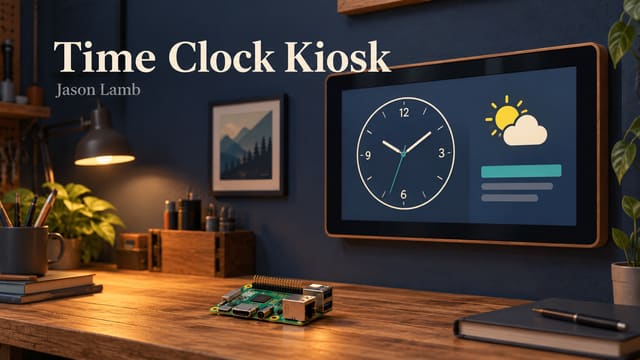
A wall display has a different job from a desktop dashboard. Someone should be able to glance at it and understand what matters without opening a menu or leaning in to read tiny text. The Time Clock project starts with that idea.
The page combines a large clock, the date, local weather, and a scrolling alerts area. The documented deployment runs on a Raspberry Pi CM4 kiosk, with a full-screen browser presenting the page. The same layout also adapts to smaller screens for checking it elsewhere.
Notices are maintained through an administration page. They can be added, removed, reordered, and published to the display. Different notice types have distinct visual treatments, helping routine information and more prominent messages read differently.
The later revision history adds weather-alert integration and full-screen overlay experiments. It also includes a PowerShell path for fetching weather alert data and posting it to the kiosk. That makes the project another example of a web interface and an administration script working together.
The alert work remains a prototype display workflow. This browser page should not be treated as a certified emergency notification system, and a visible PIN gate alone does not establish production-grade access control. The current revision notes explicitly include demo behavior.
For everyday use, the appeal is straightforward: a small computer, a screen, and a page that keeps useful information visible. The project also makes layout decisions very concrete. Large digits, readable spacing, and clear updates matter more than how impressive the page looks in a development screenshot.
A clock is a simple starting point. Giving it useful context turns it into a small communication surface.
Open the hosted project · Explore the project on GitHub
Update history
These notes record article updates associated with repository changes. The original publication date is retained.
- — Converted automated article narration to neutral third person and added public update history. No application functionality changed. GitHub source