
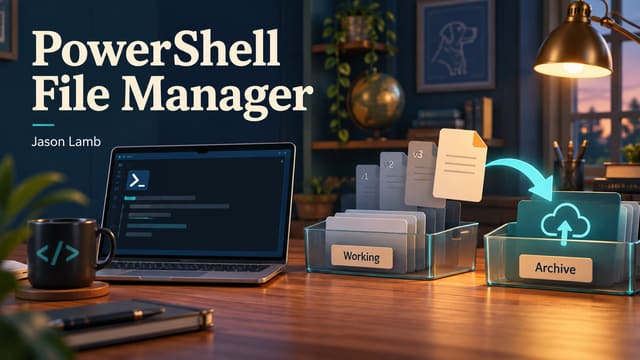
A script can create a useful file and still leave one job unfinished: getting that file somewhere it can be found and managed later. The Upload & File Manager project connects automated uploads with a browser-based administration workflow.
The PowerShell side sends files to an HTTP upload endpoint. The web side lists files, supports text-file creation, and provides version-related actions. That gives automated output and manual administration a shared destination.
Versioning is especially useful when a filename stays the same while its contents change. The project keeps numbered versions and supports promoting an older version back to the current file. Restoring a previous result should not require remembering which download folder happened to contain it.
The documented design includes upload authentication, IP allowlisting, request limits, logging, and multi-factor checks around selected administrative actions. It also describes an optional deployment dependency for geographic IP filtering. These are configuration and implementation features, not a claim that the app has passed a security certification.
Keeping the upload API usable from PowerShell is central to the project. A script should be able to report success or failure from the server response, rather than depend on driving a browser interface. Meanwhile, the browser gives a person a convenient way to inspect and manage what arrived.
The most useful part is the handoff. Automation produces the file; the web application supplies a place to keep its versions and work with it. That makes this project less about uploading for its own sake and more about finishing the last practical step of an automated task.
Update history
These notes record article updates associated with repository changes. The original publication date is retained.
- — Converted automated article narration to neutral third person and added public update history. No application functionality changed. GitHub source