
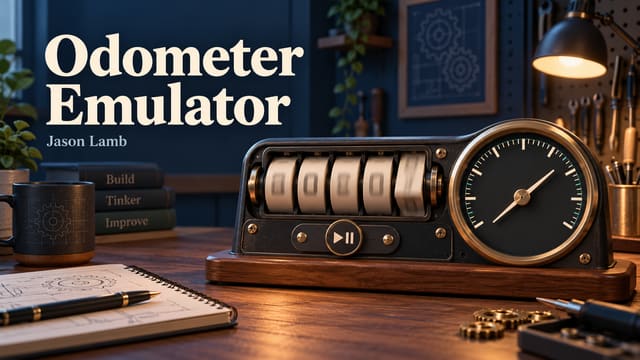
There is something satisfying about a mechanical-looking counter rolling into the next digit. The Odometer Emulator turns that small visual detail into an interactive browser experiment.
The page lets someone set a starting reading, choose a simulated speed, and start or stop the display. As time passes, the odometer accumulates distance, while an animated speedometer needle provides another view of the current setting.
The implementation includes MPH and KPH modes, generated gauge marks, leading-zero formatting, and a flip animation when a digit changes. The continuous calculation connects the visual movement to elapsed time, rather than simply advancing the number by a fixed amount on each screen refresh.
This is a simulator. It is not reading an actual vehicle odometer, measuring mileage from the phone’s GPS, or changing a device’s recorded mileage. The inputs on the page drive the demonstration. The GPS trip tracker serves a different purpose.
The interesting challenge is making the moving parts agree. The numeric speed, needle, units, and distance accumulation should feel like one display. An animation can look smooth while its calculation is inconsistent, so both sides need attention.
This kind of project offers immediate feedback. Change a value, start the emulator, and watch the result. A few familiar dashboard elements become a compact way to experiment with timing, units, animation, and interface state—without needing to go anywhere.
Update history
These notes record article updates associated with repository changes. The original publication date is retained.
- — Converted automated article narration to neutral third person and added public update history. No application functionality changed. GitHub source